Login to Edcite through Google
Follow these step by step instructions to log into your Edcite account through Google.
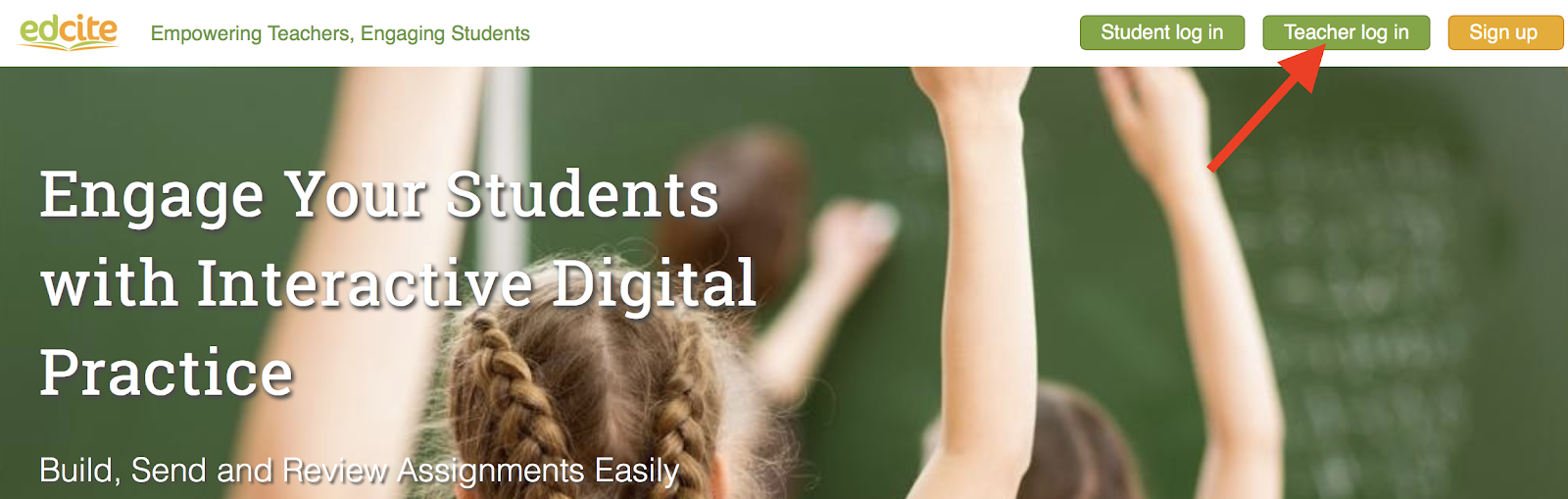
1. Go to www.edcite.com and click the Teacher Log In button.
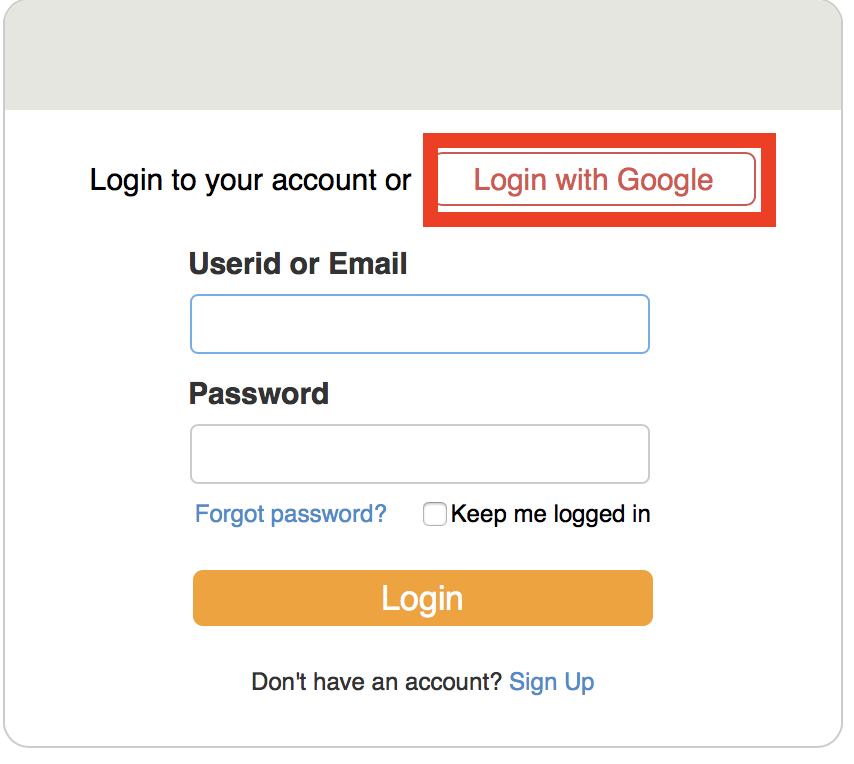
2. A pop-up box will open. Click the Login with Google button.
3. Choose the Google email associated with your Edcite account. You may need to enter your password. Once you enter the required information, you will be navigated to your Edcite account Home Page.